Final Project Documentation
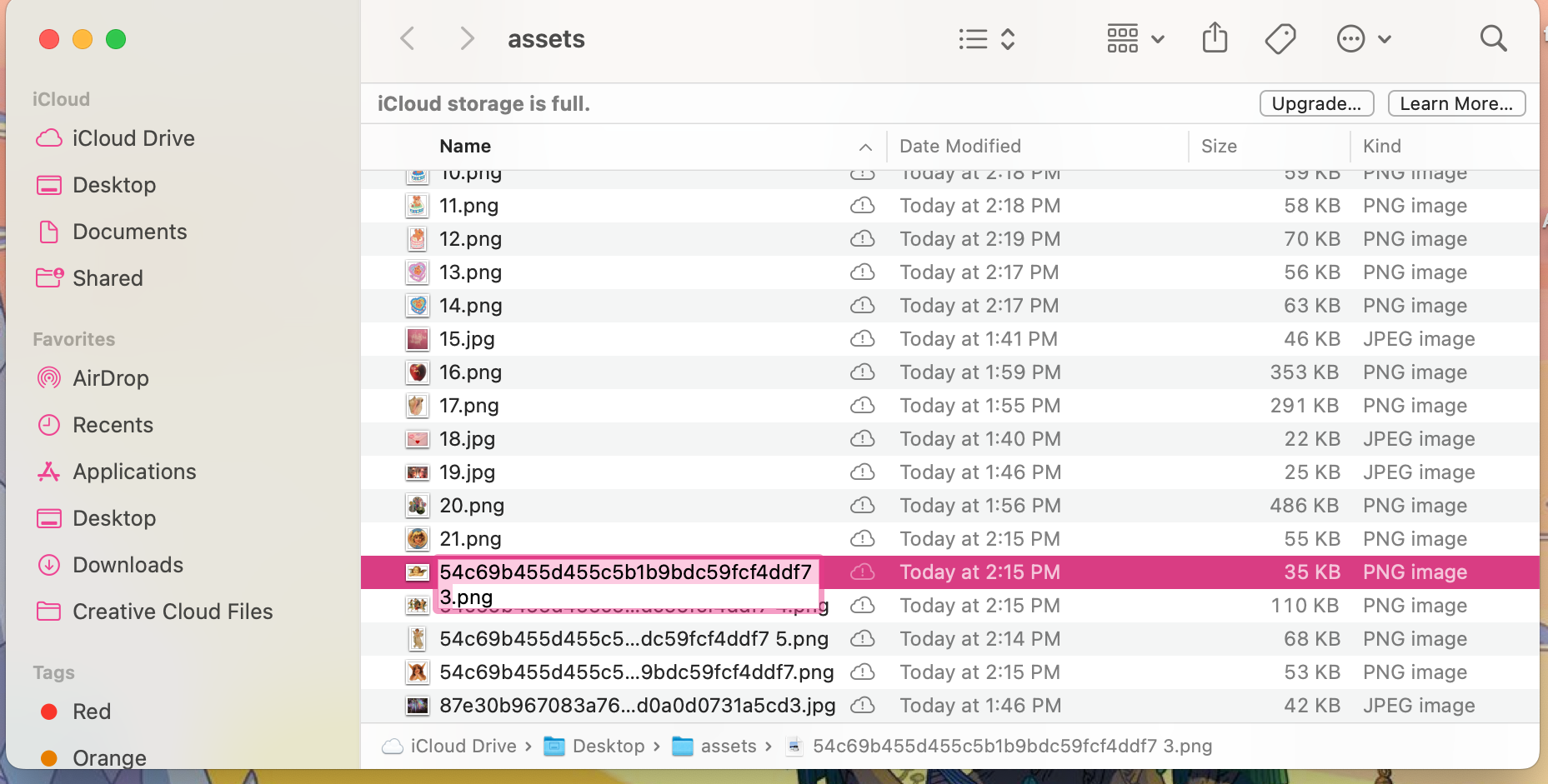
To begin this project, I created 100 assets and named them each 1-100 because I planned on looping through the assets to put them into an array.
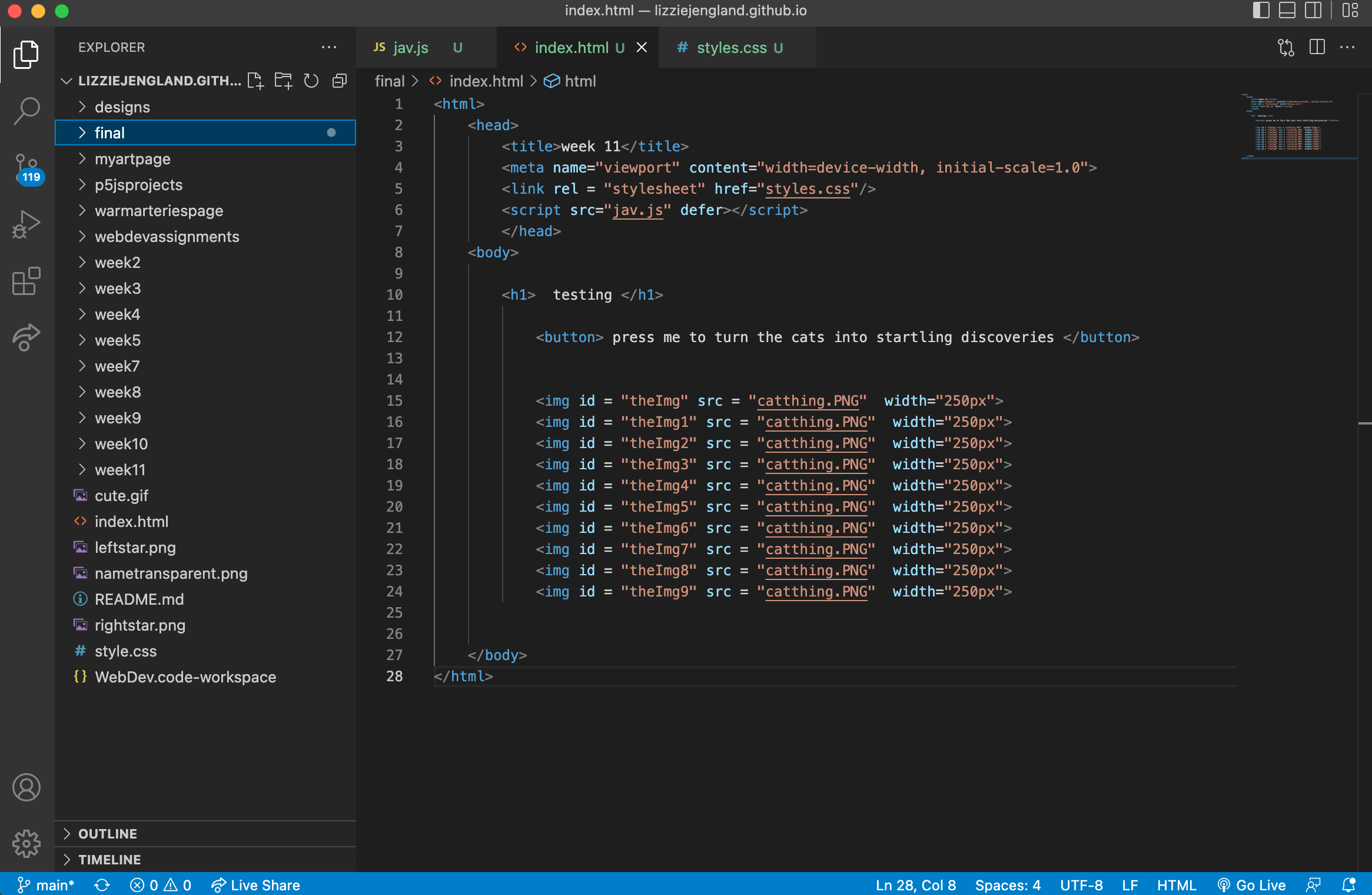
I then took some of my code from a previous assignment, medium is the massage, and decided to work from there as it had some of the aspects I needed.
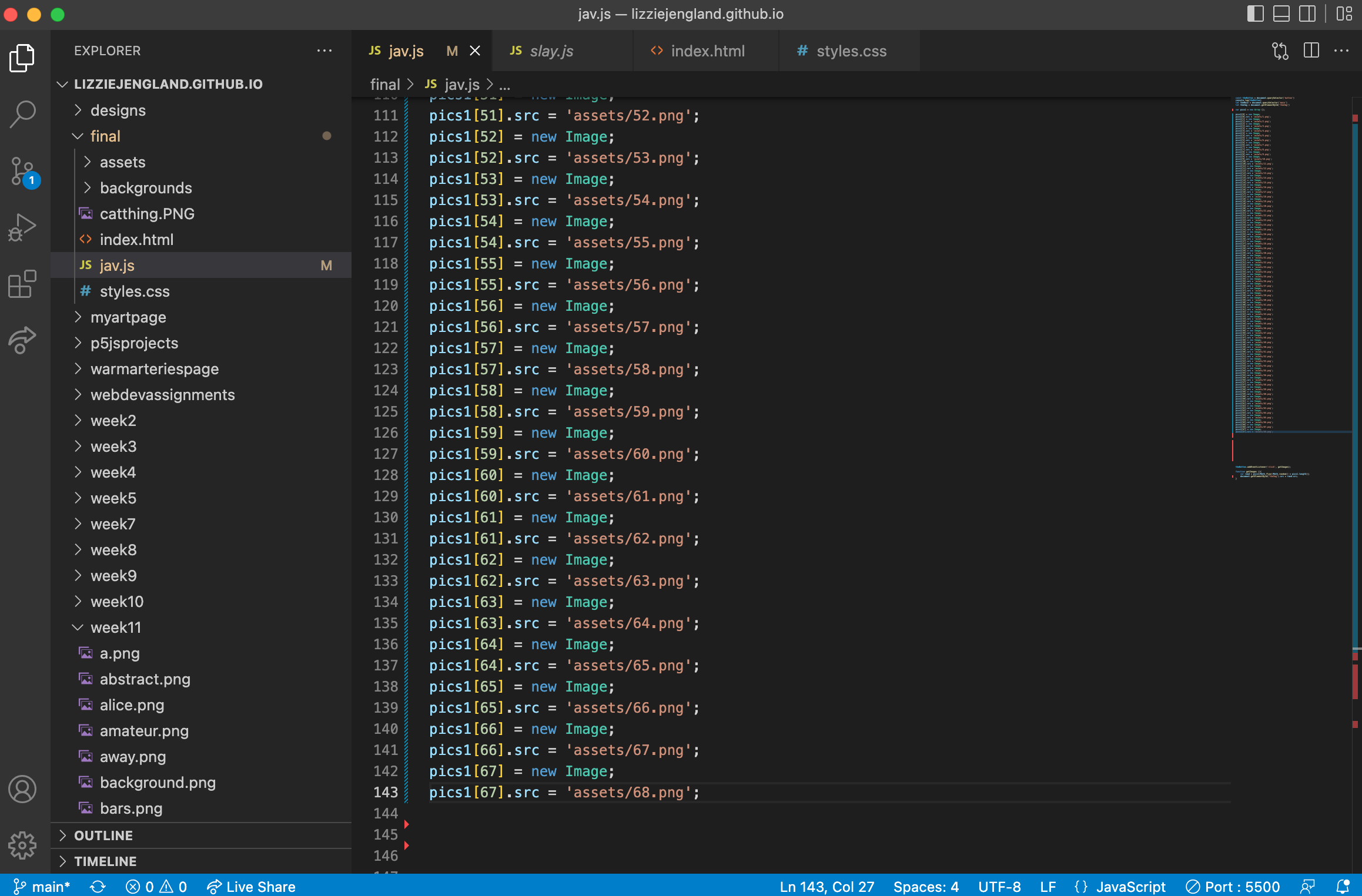
The idea of looping through my assets deemed impossible, so I decided to just manually put the assets into the array in my javascript file. Two lines of code for each image, an image object is created and then given a source.
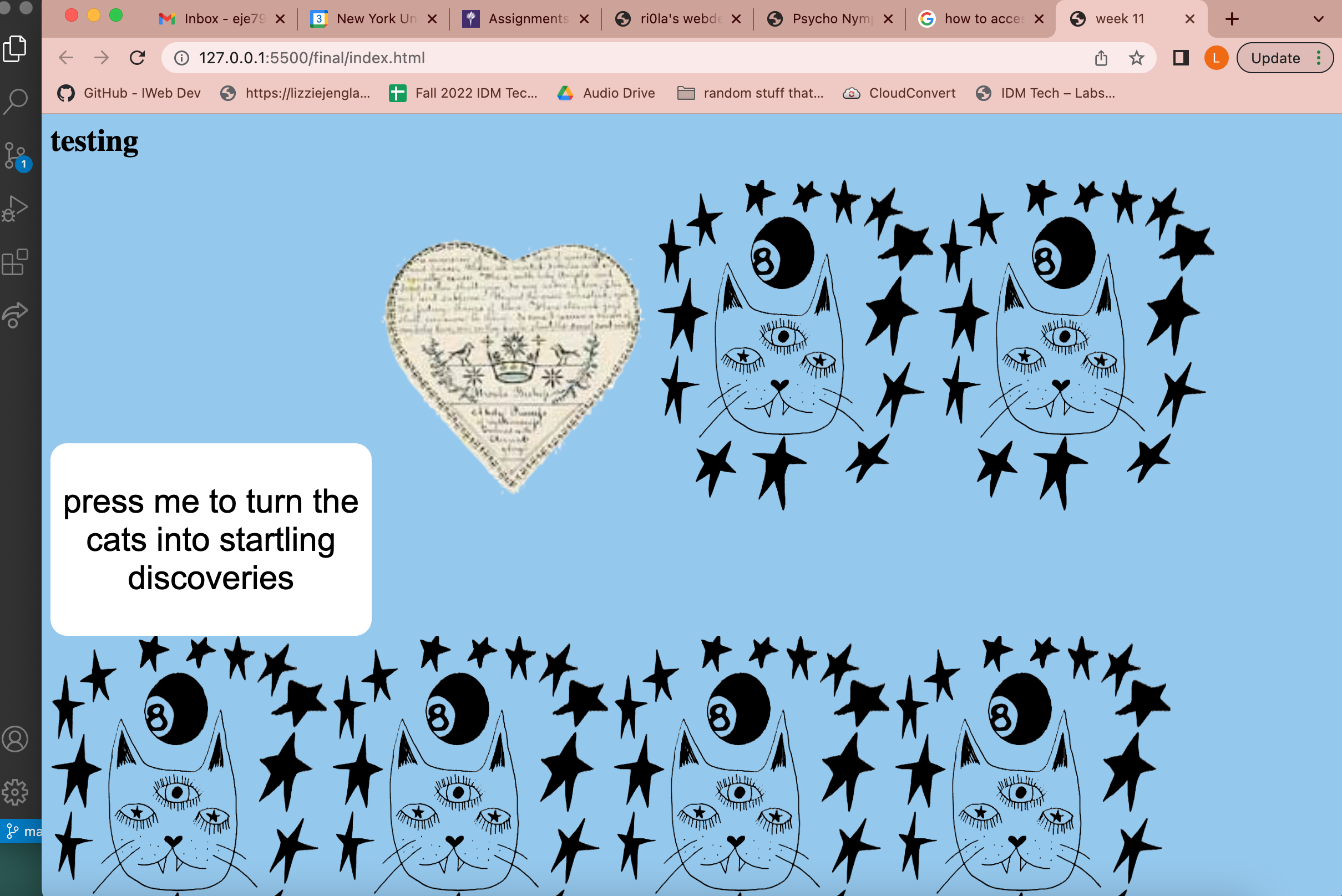
After adding the new assets to my old code, there were some problems with the button. Below are my first attempts. As you can see, only one image shows up and how many times it shows up varies.
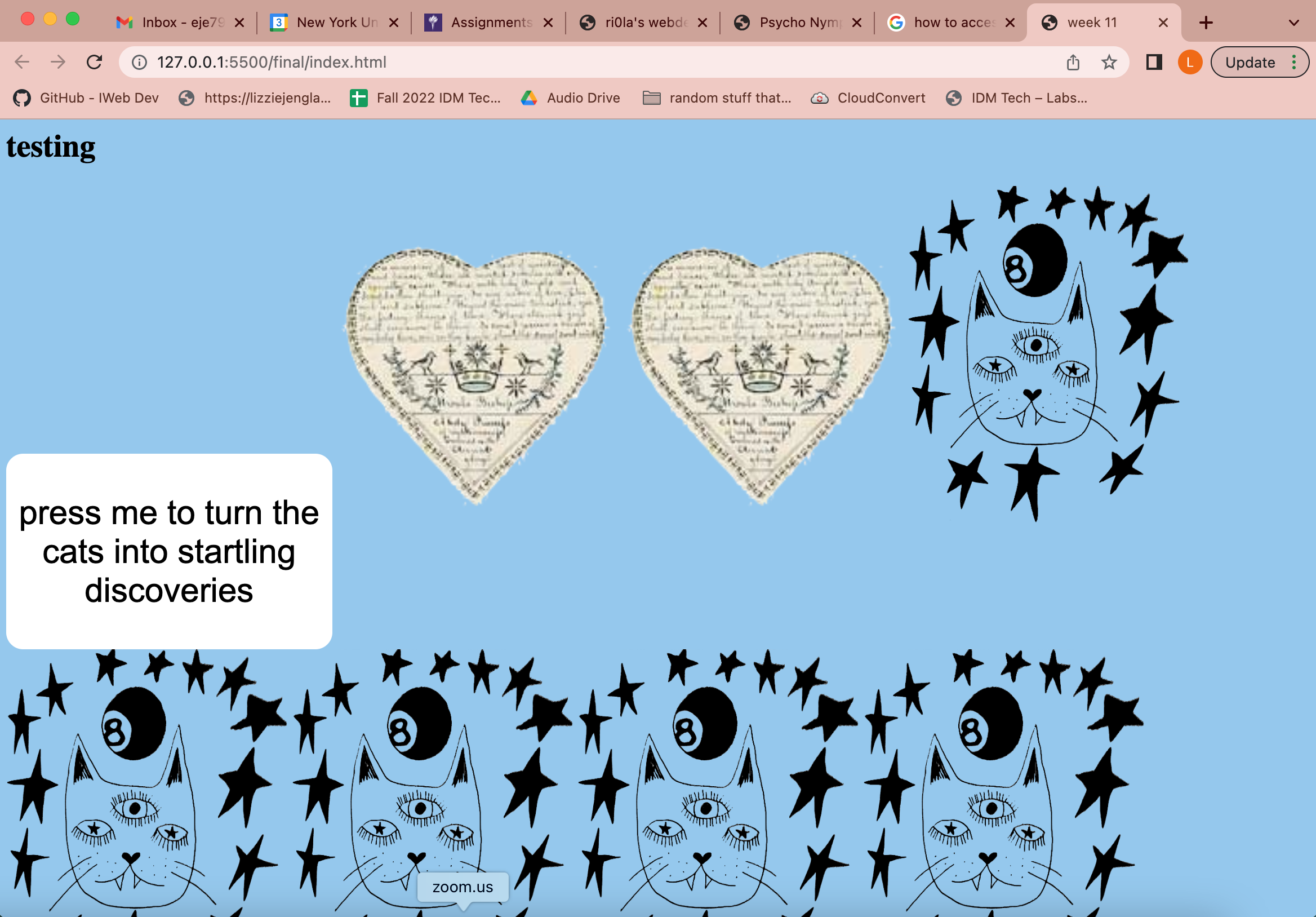
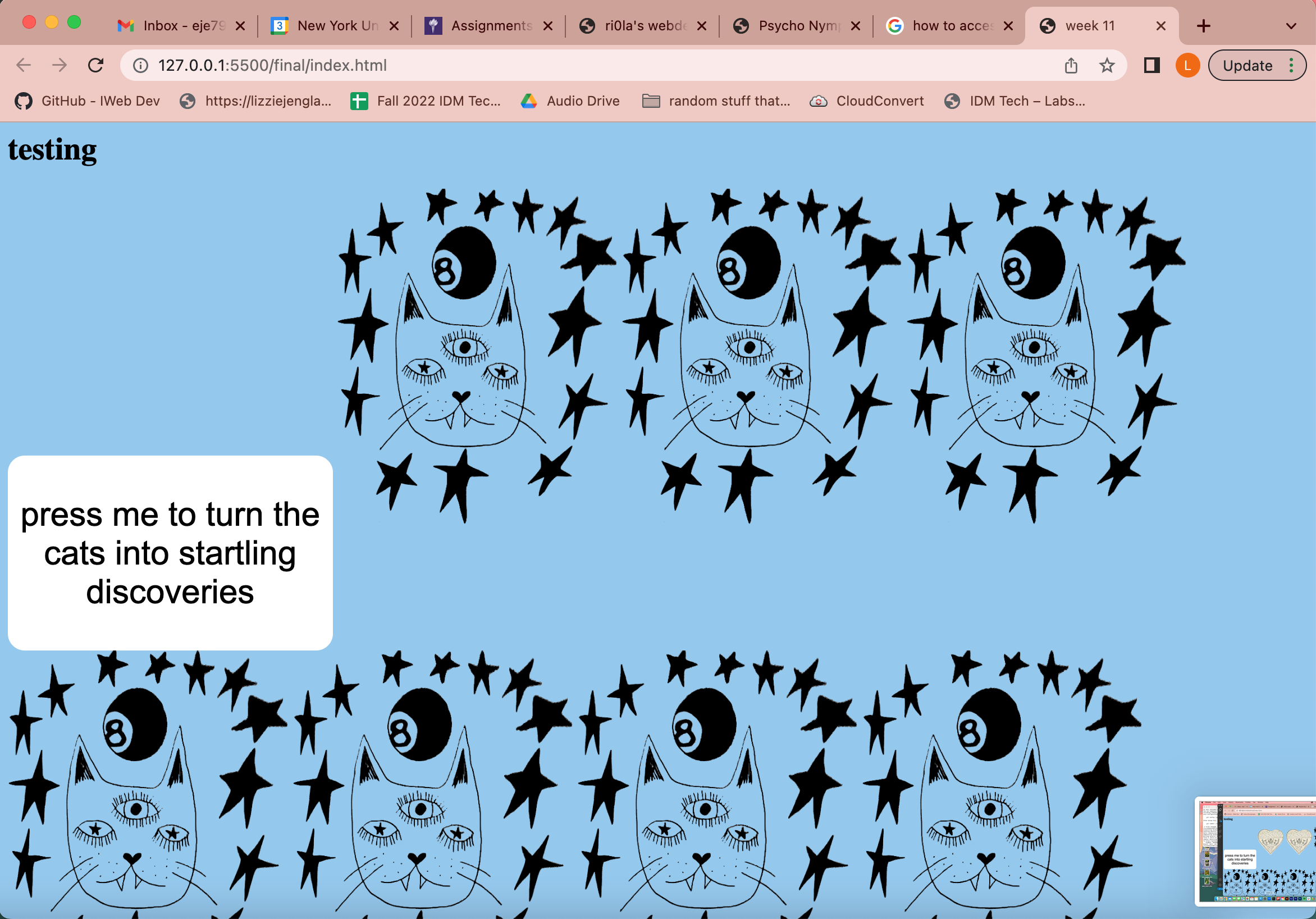
In order to fix this, I ensured that my random variable was being calculated correctly and added a copy of the array within my function that occurs when the button is pressed that is subtracted from each time an image is picked so there would be no repeats. This worked, and I had my first success: random images popping up when the button is pressed.
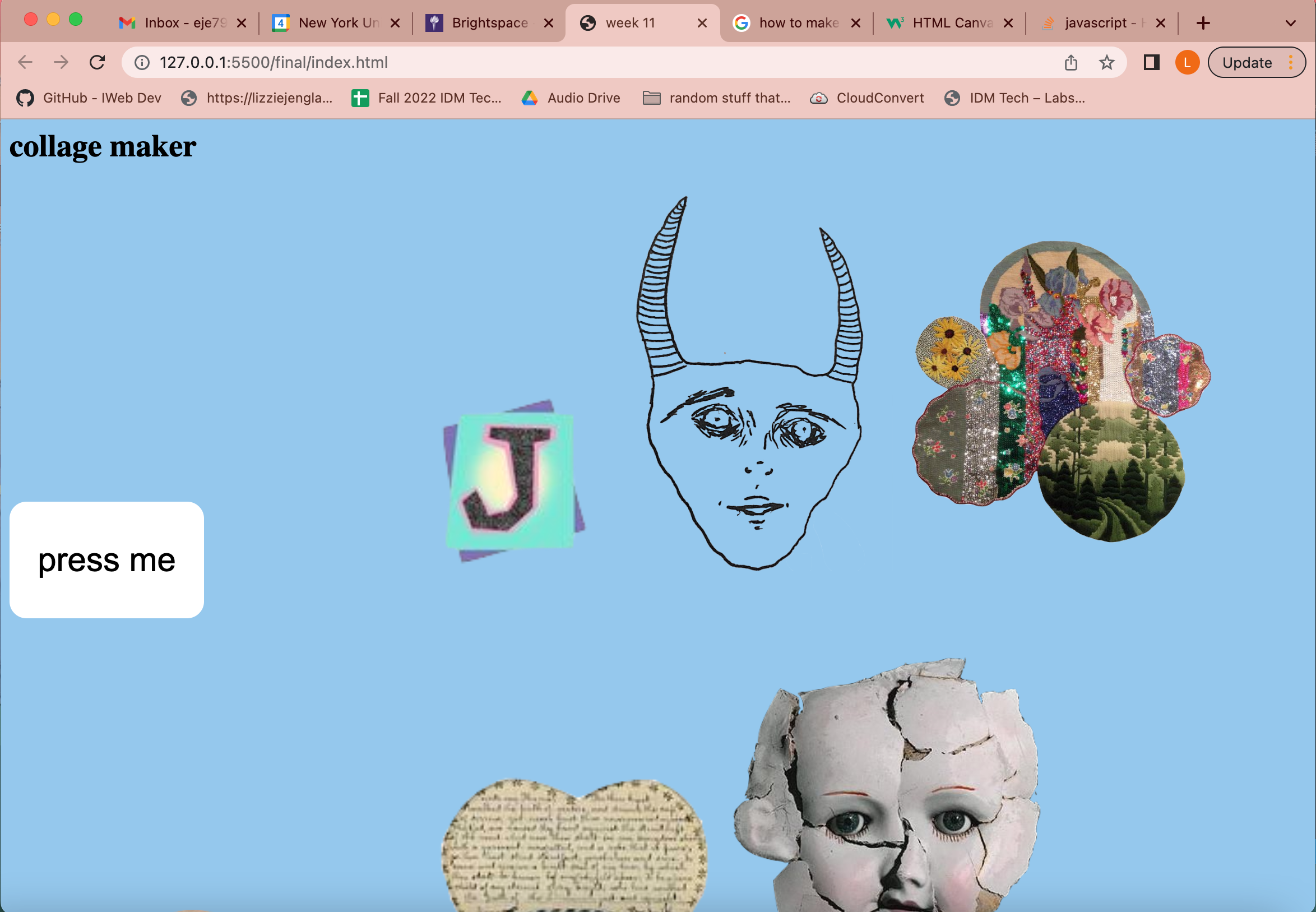
My next step was creating the drag and drop feature. First I ensured that my elements were set to draggable = true.
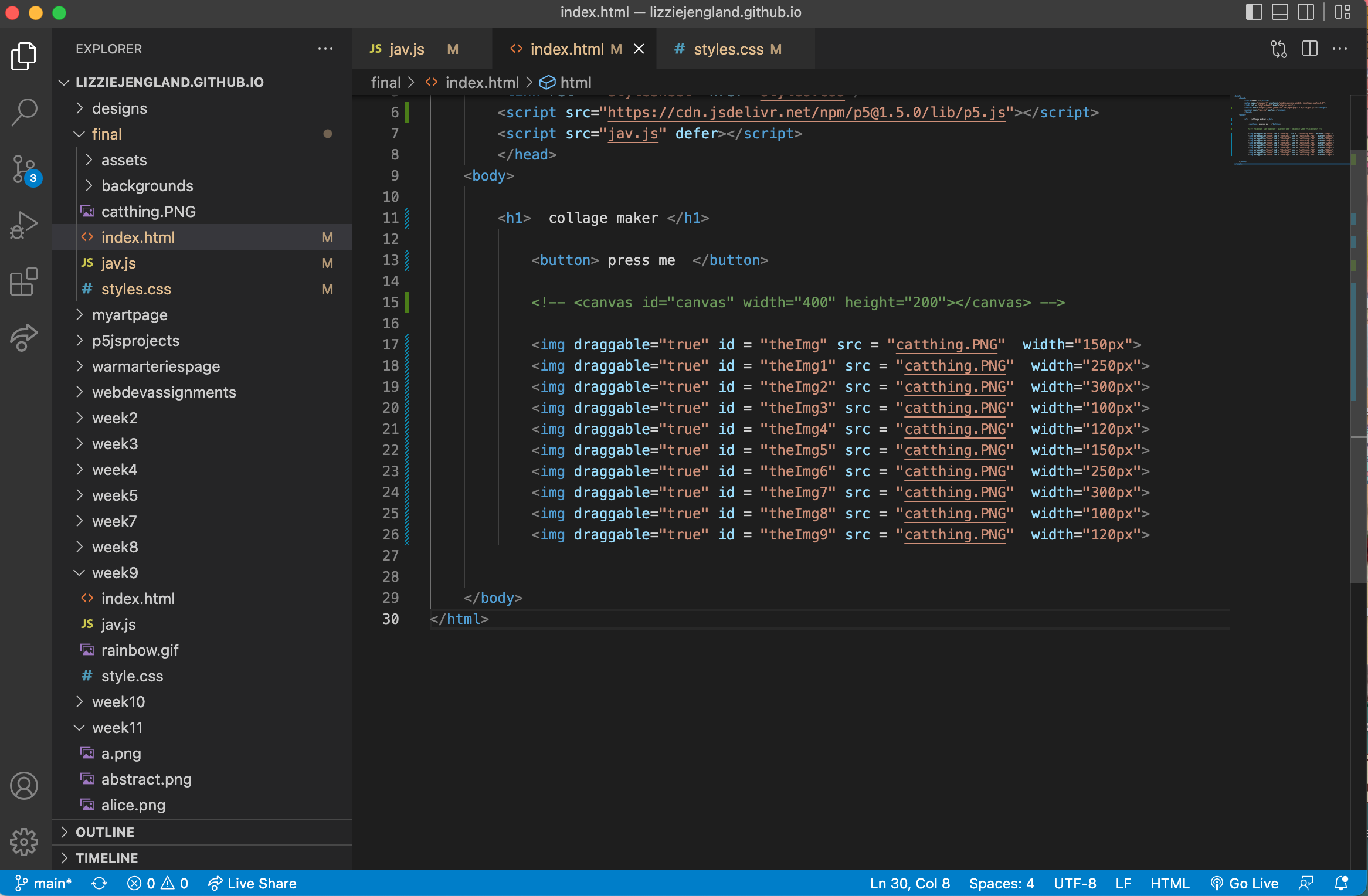
I then added some javascript functions for dragging and dropping. Only one image would drag and drop at this point. I brought this version in for user testing and it was evident more directions was needed and I found that it would be good if the user could pick the location of the thing they were dragging.
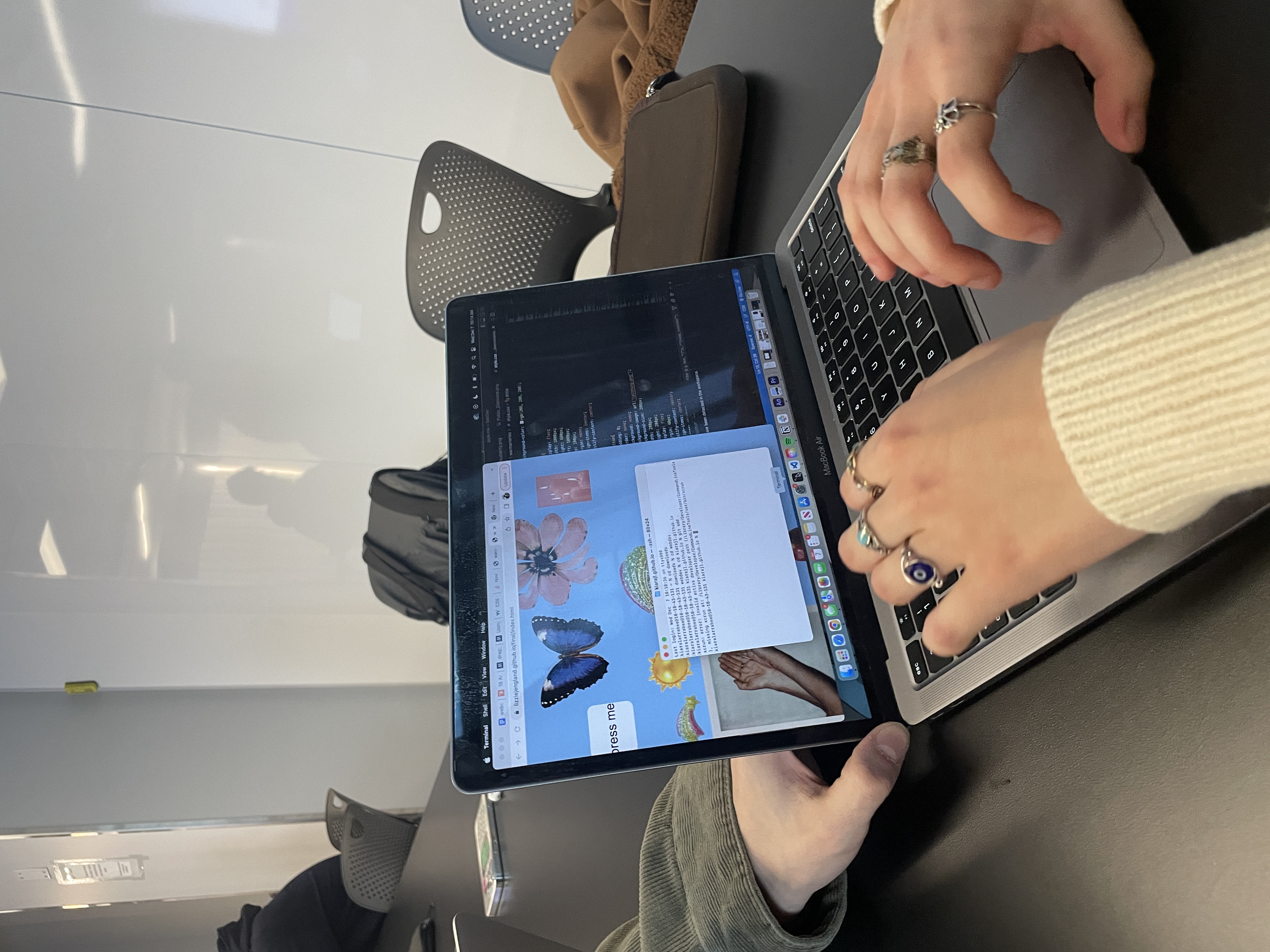
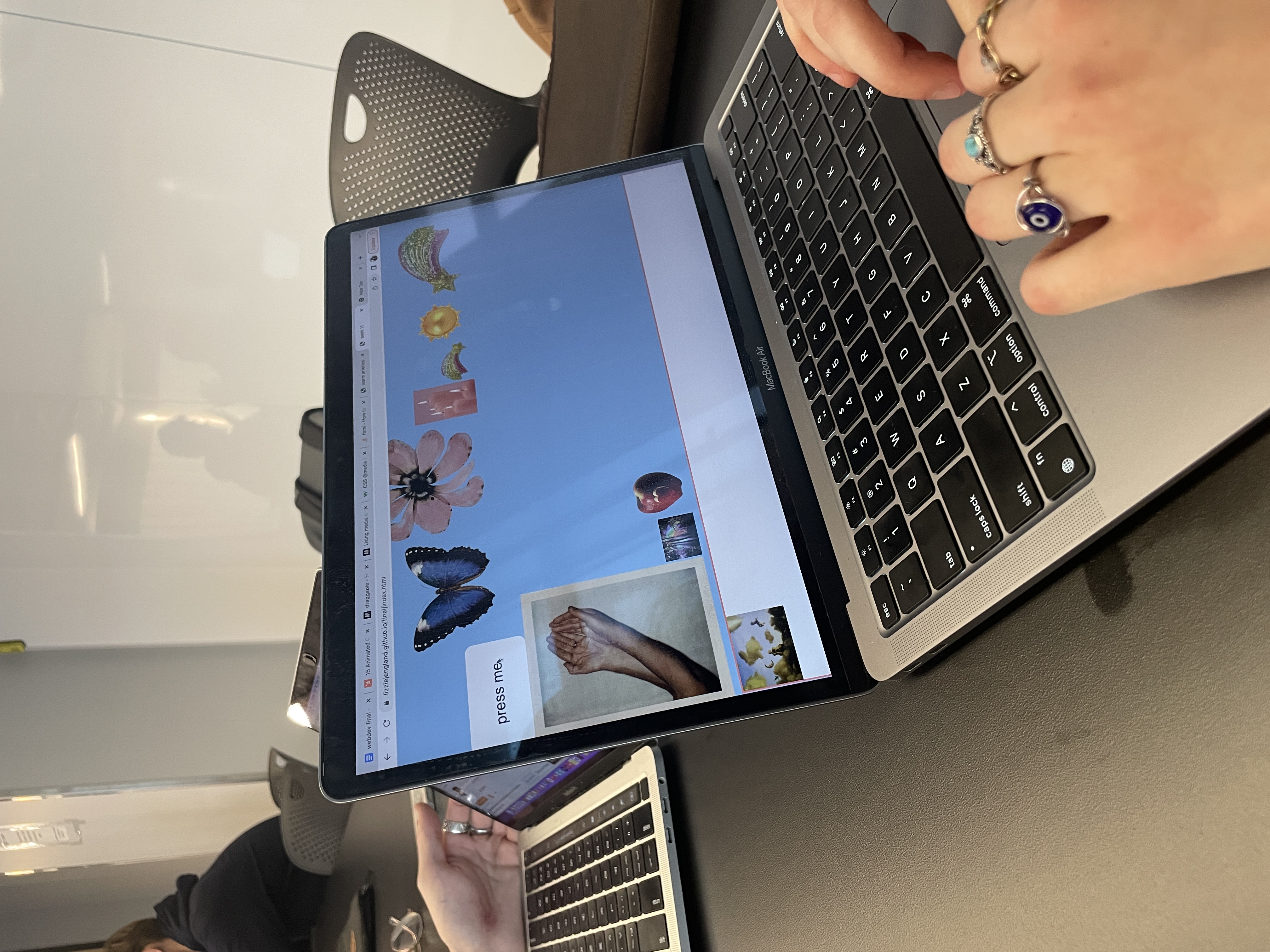
After user testing, I focused on making sure all the elements could be dragged and dropped. This turned out to be a lot of work. I ended up just trying out a bunch of different things and using console logs to see when they were working. As you can see in the image below, I got it to drag multiple items but only the text title of the object was showing up at first. After playing around with it a bit more, I was successful!
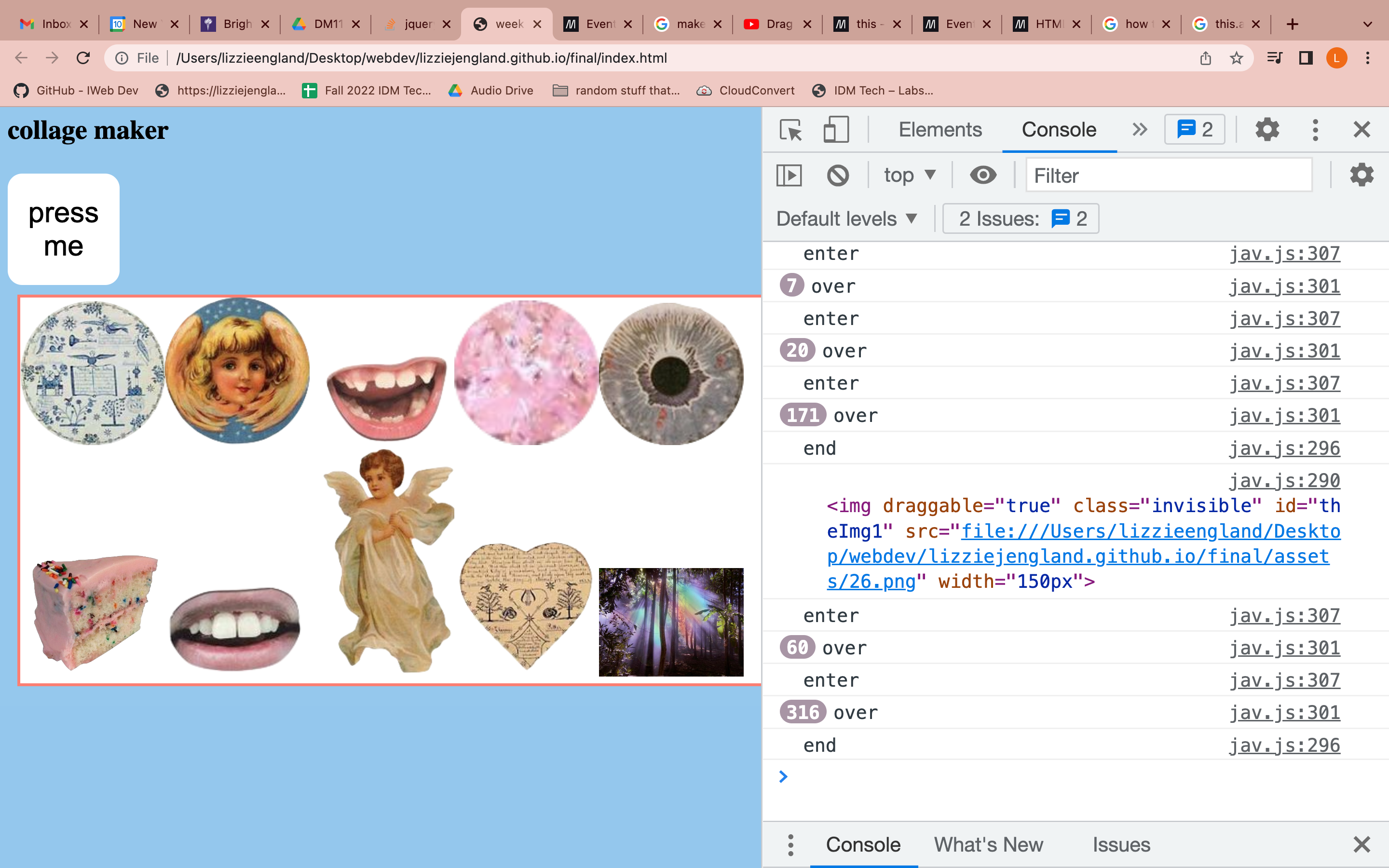
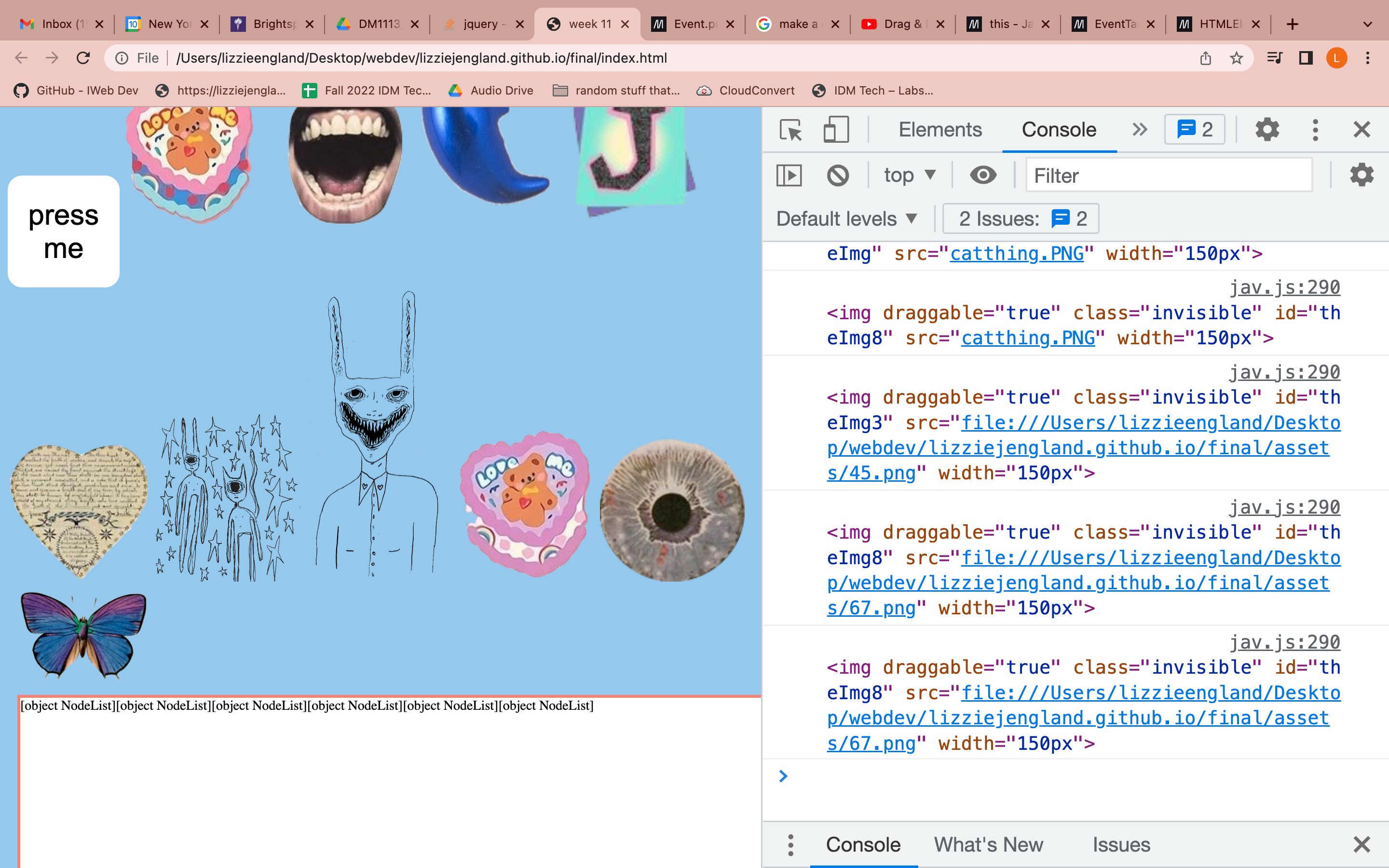
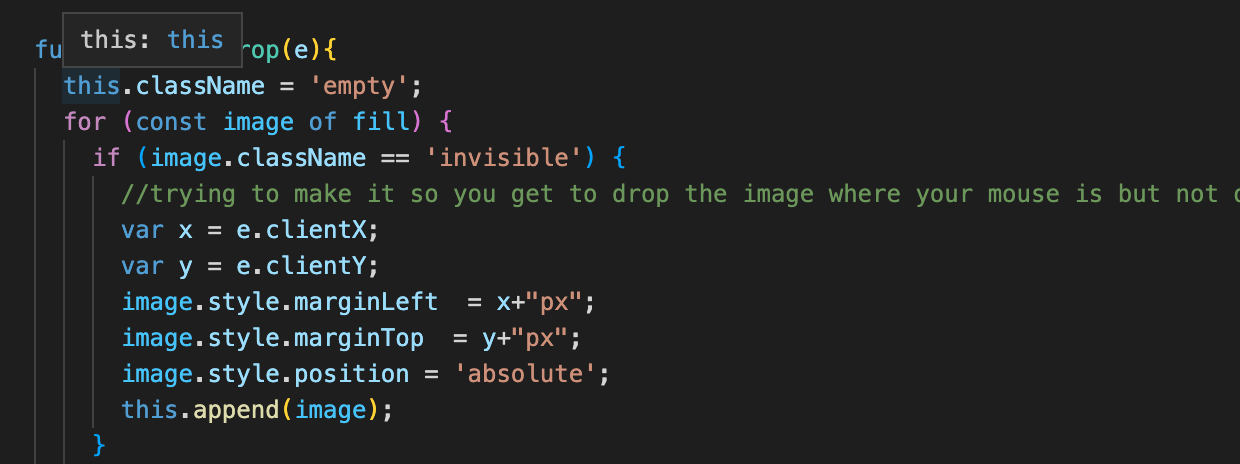
The next step was attempting to make it possible to choose the location of the images being dragged. To do so, I found the x and y location of the mouse in my function where the image is being dropped and added this location to where the image should go before appending it.
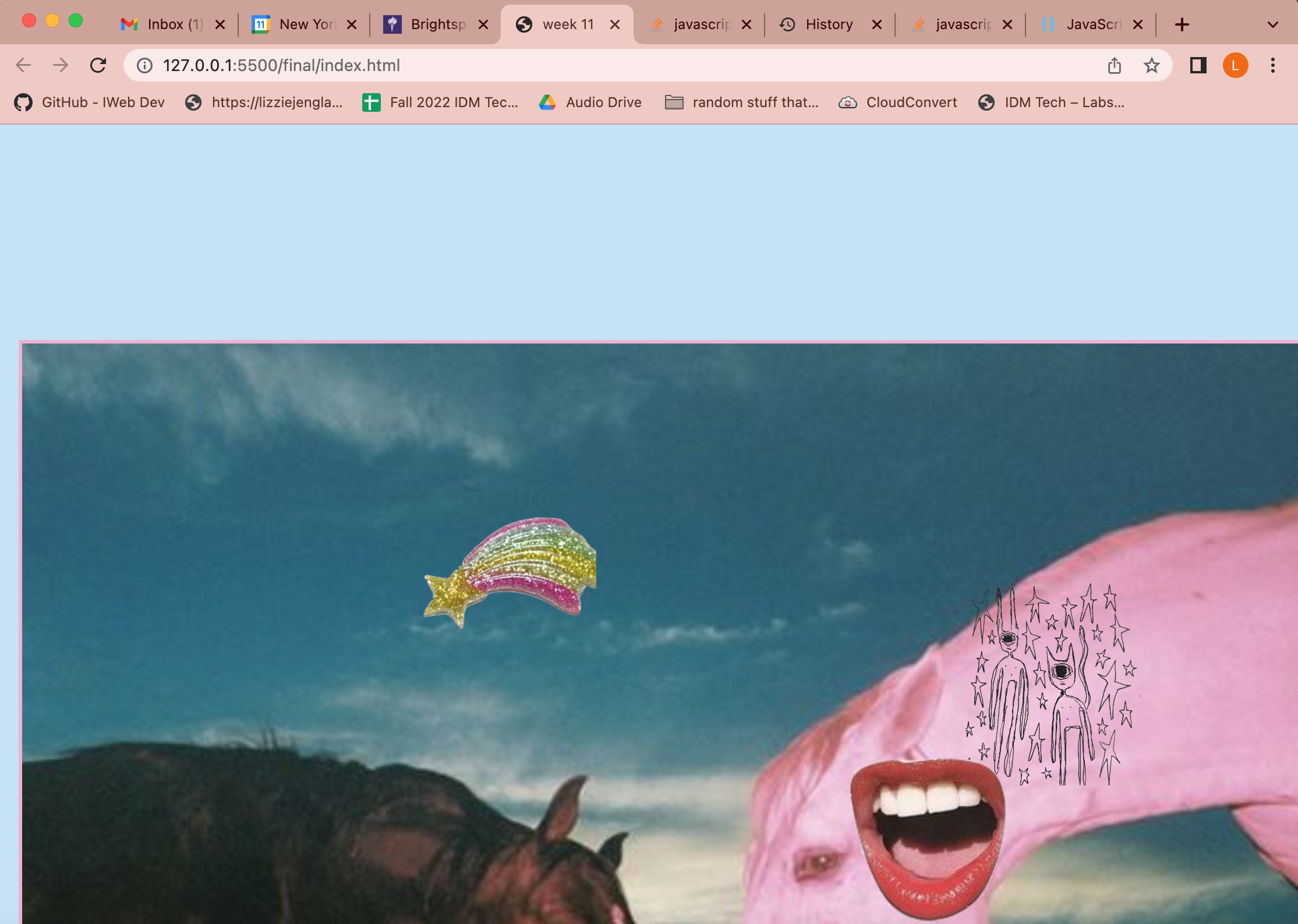
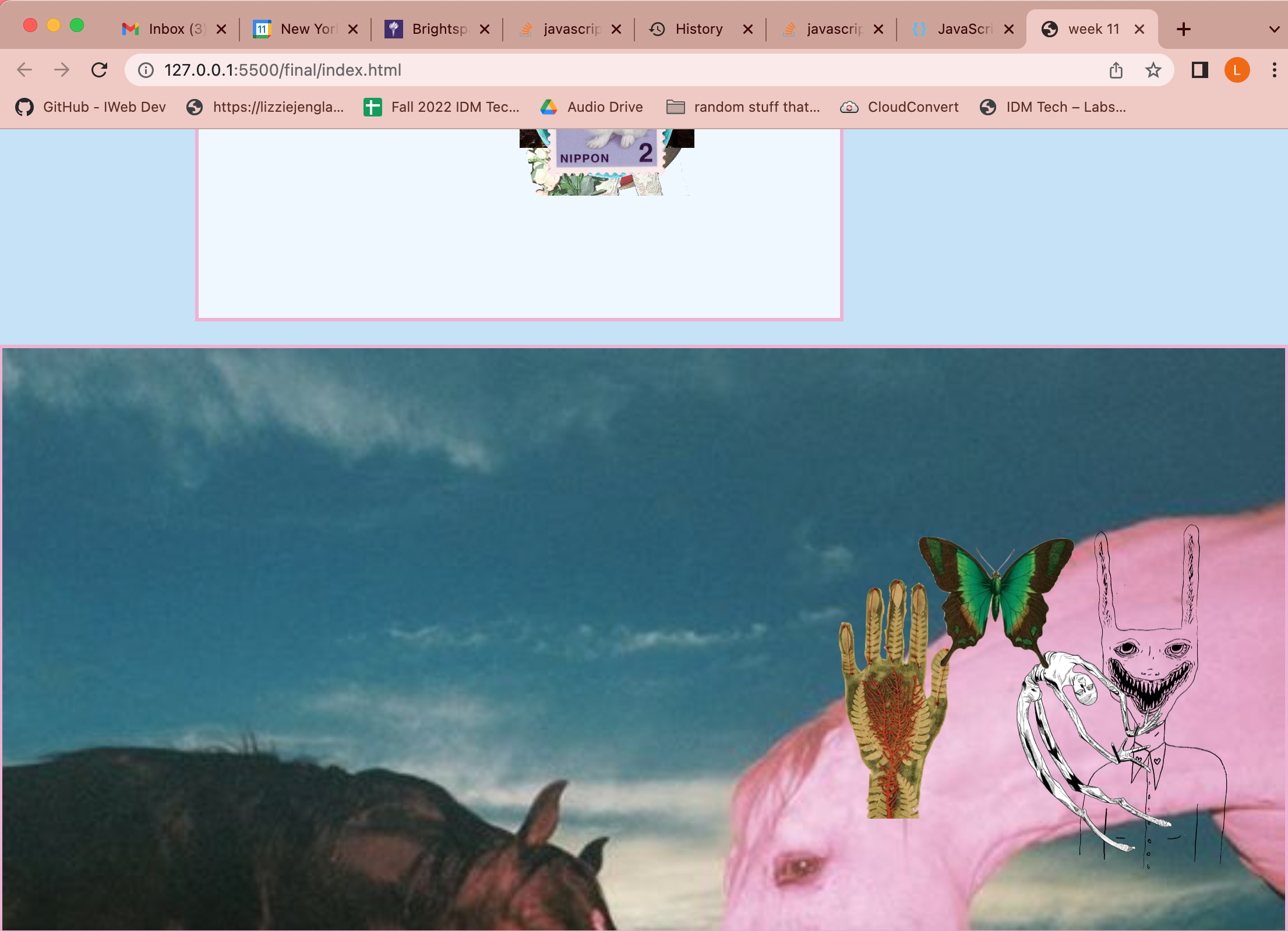
This ended up half-working and the elements move to around where your mouse is, but not to the exact location. This is the functionality that my website has at the moment, but I am continuing to work on it. See the images below for what the website looked like at this point.
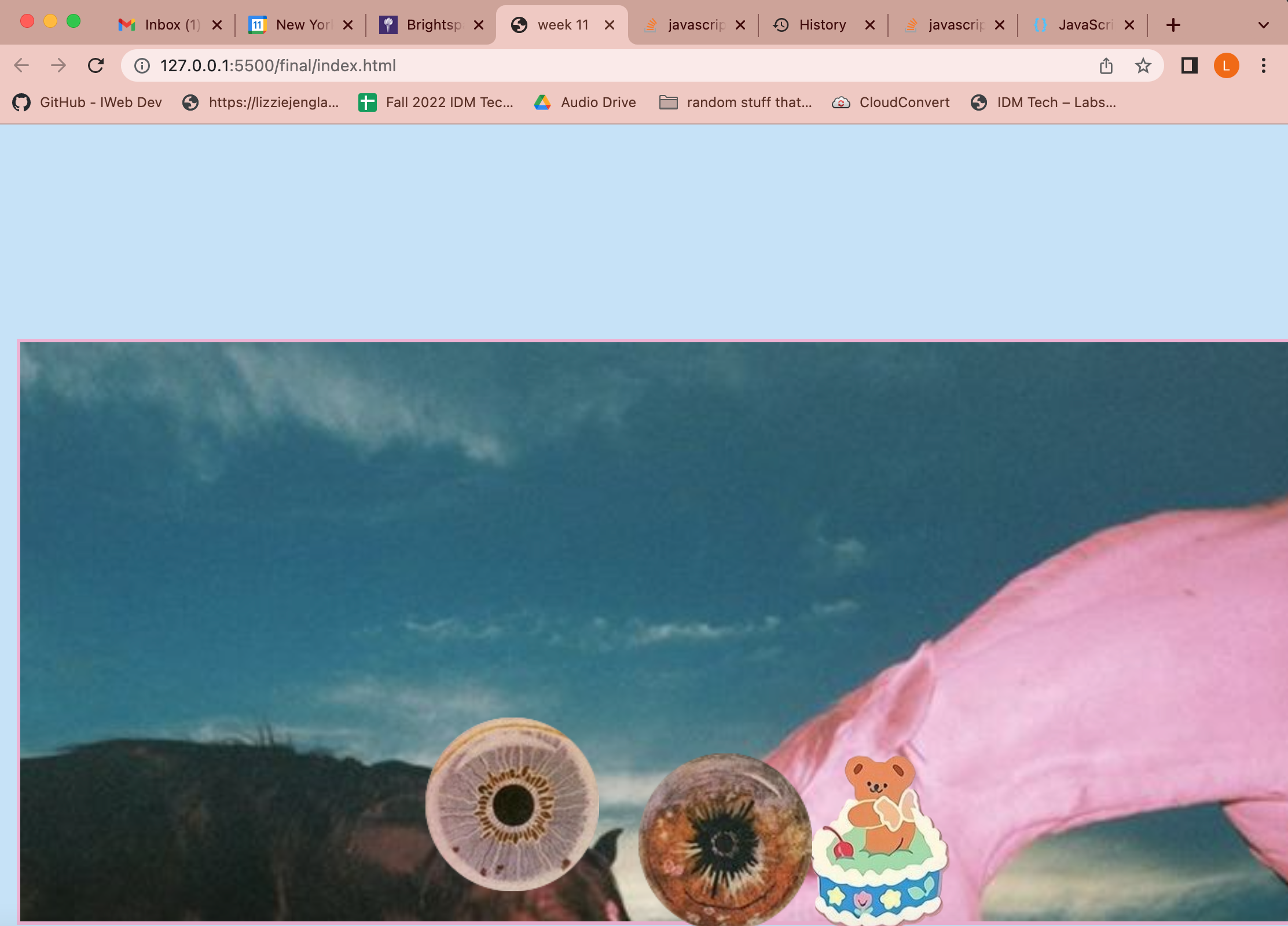
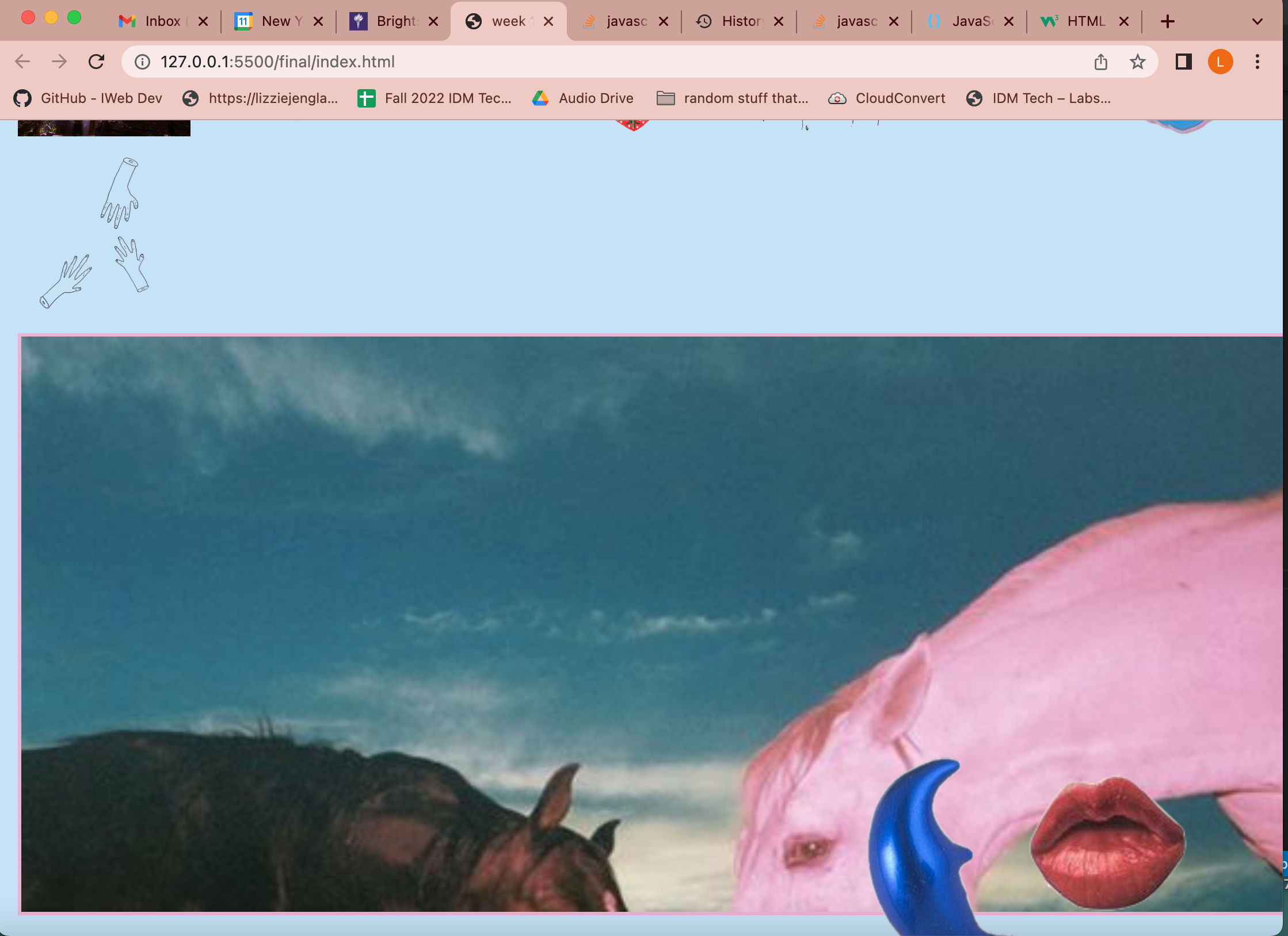
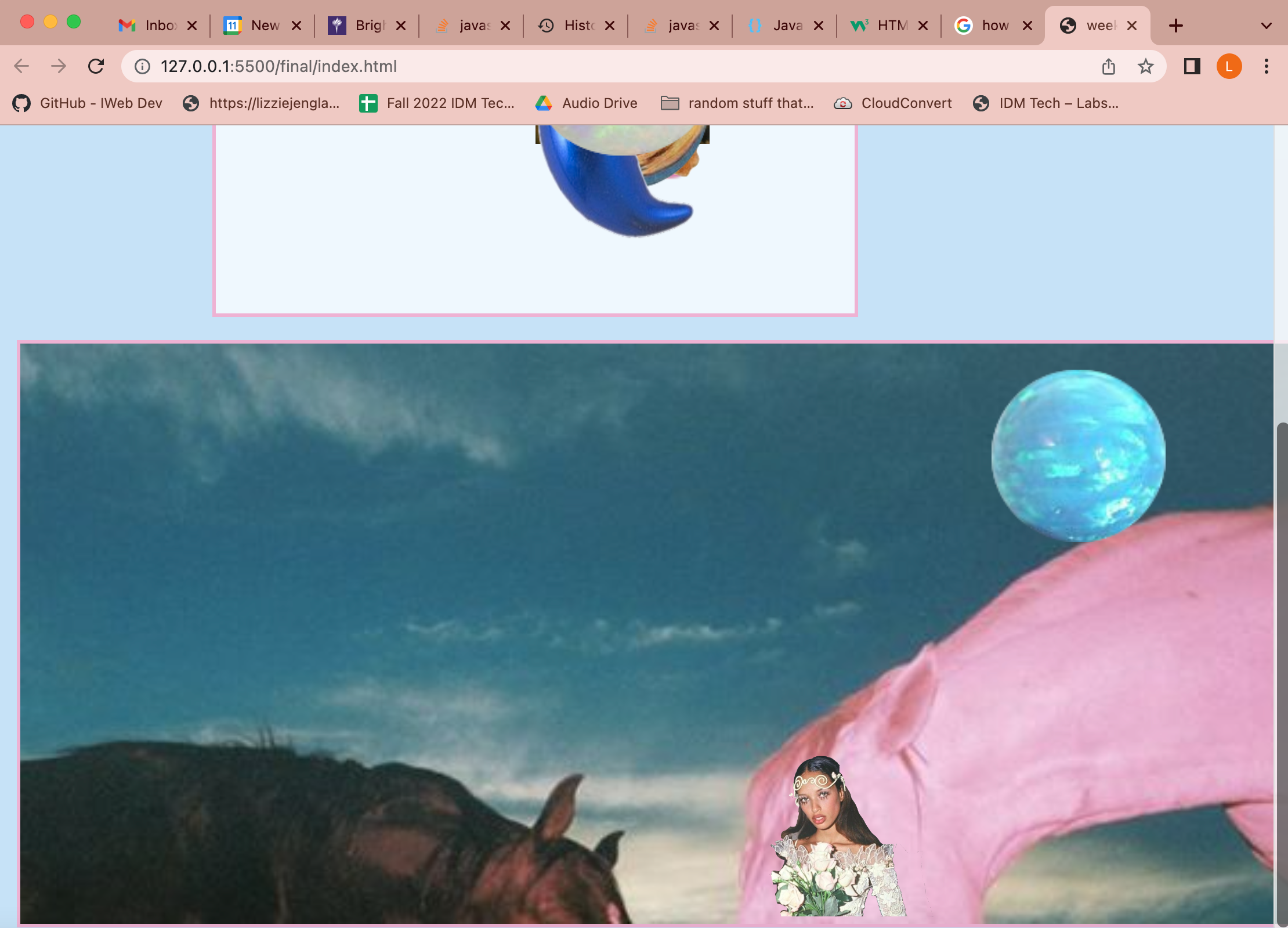
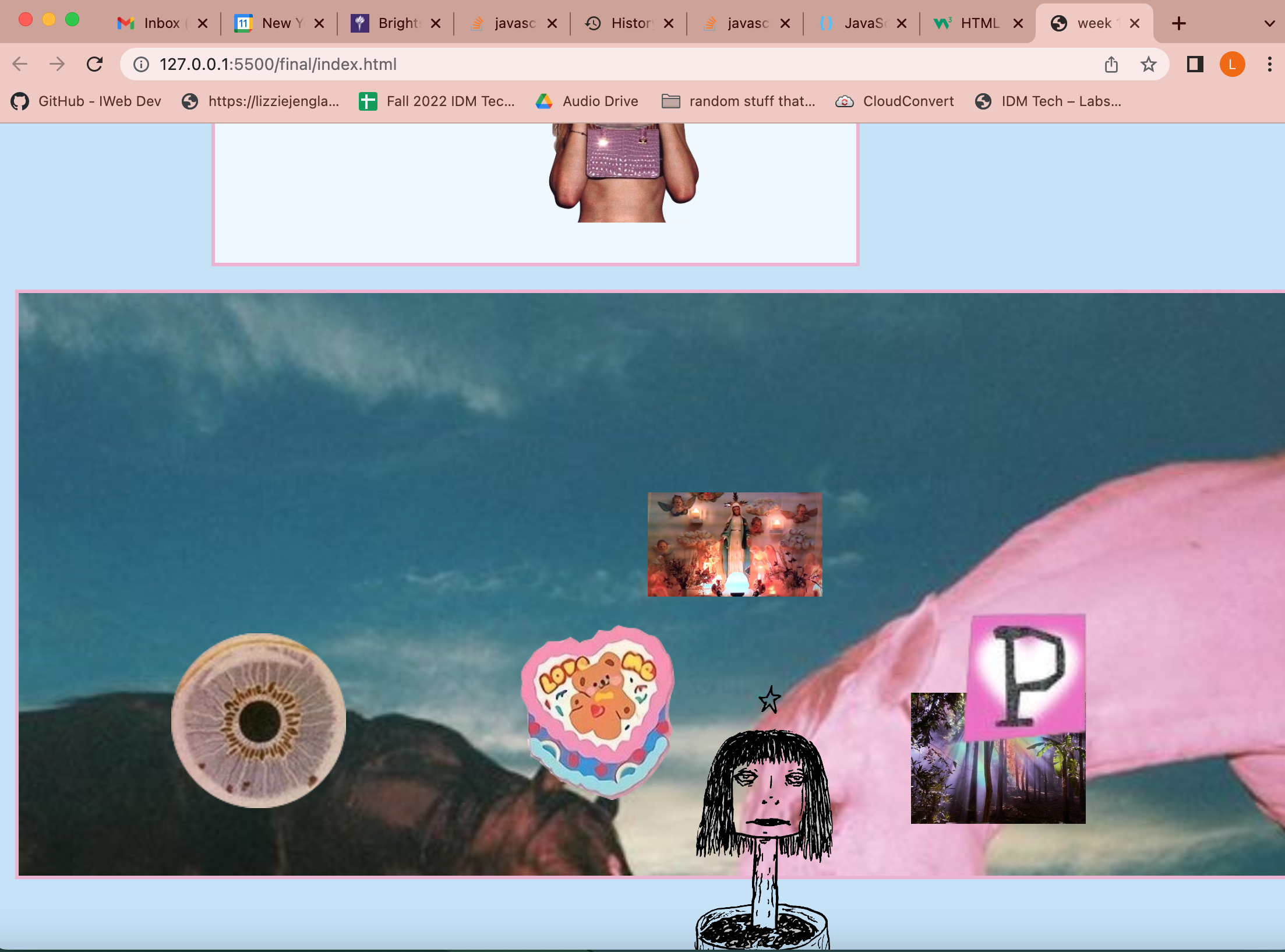
Finally, I wanted to try and make a save button so that the user can have their art. I found a tutorial online, linked in the jav file of my final, and created these lines of code.
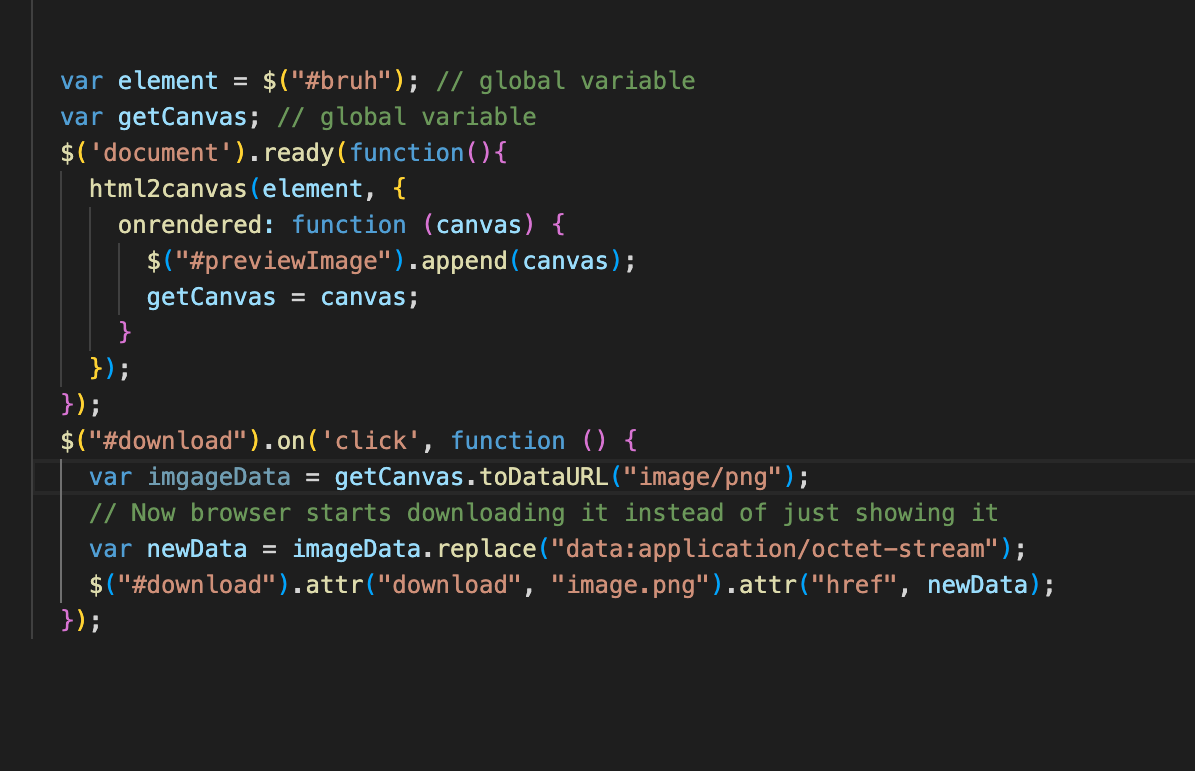
At first, this worked! I could save when I pressed the save button! But it only worked once and I cannot get it to work again. I am continuing to work on this aspect as well.
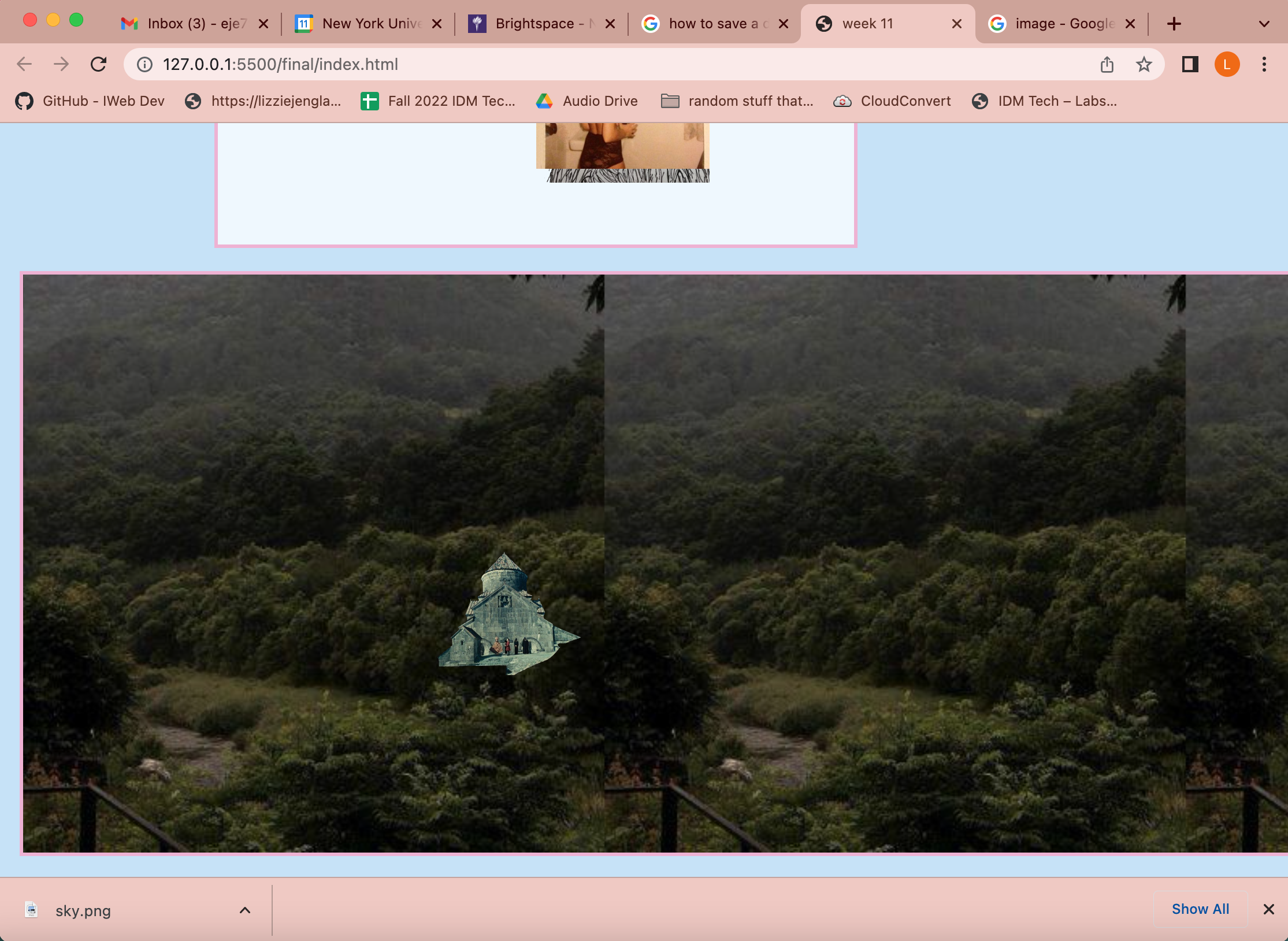
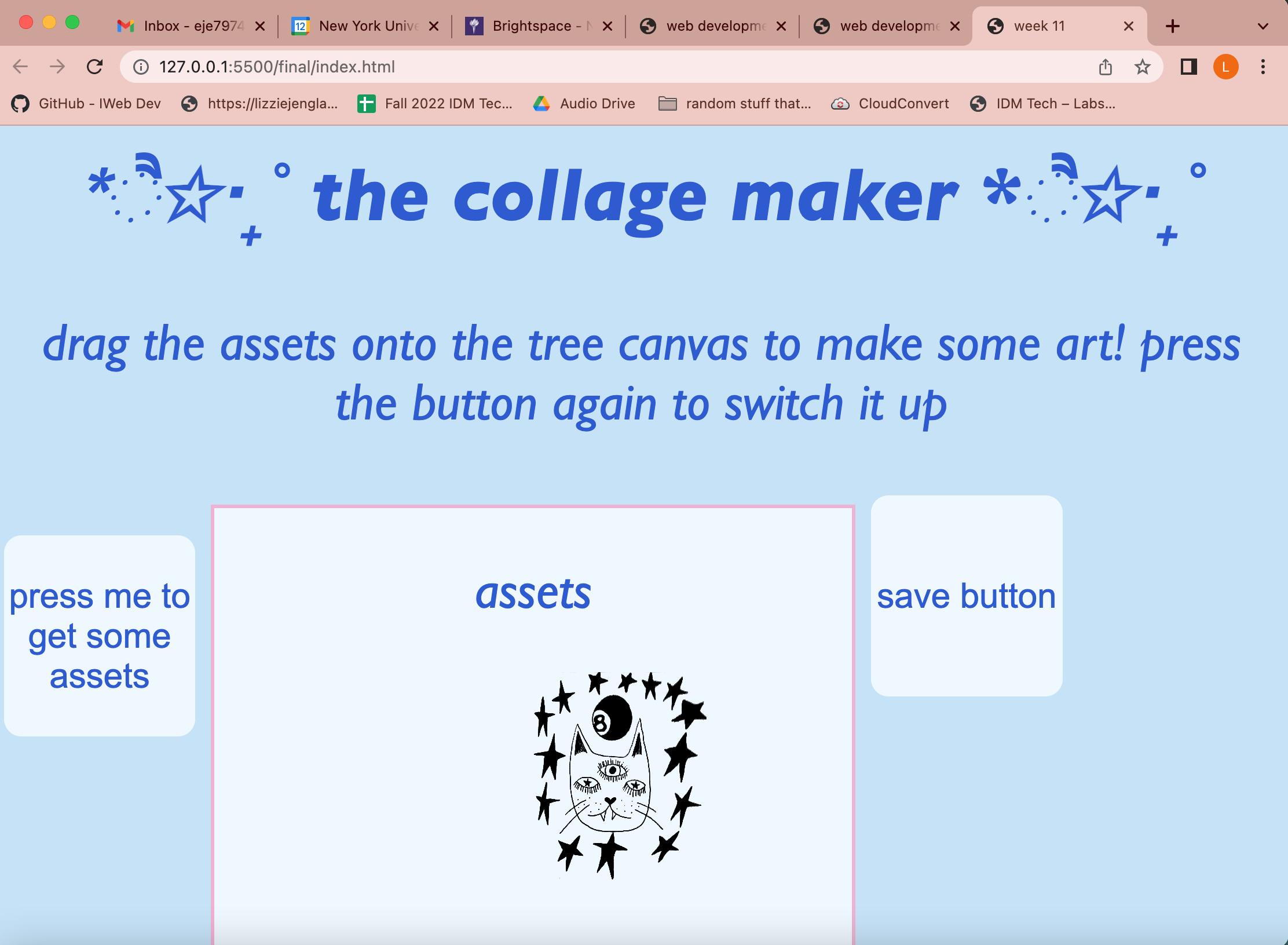
So, here is my website at this point in time!
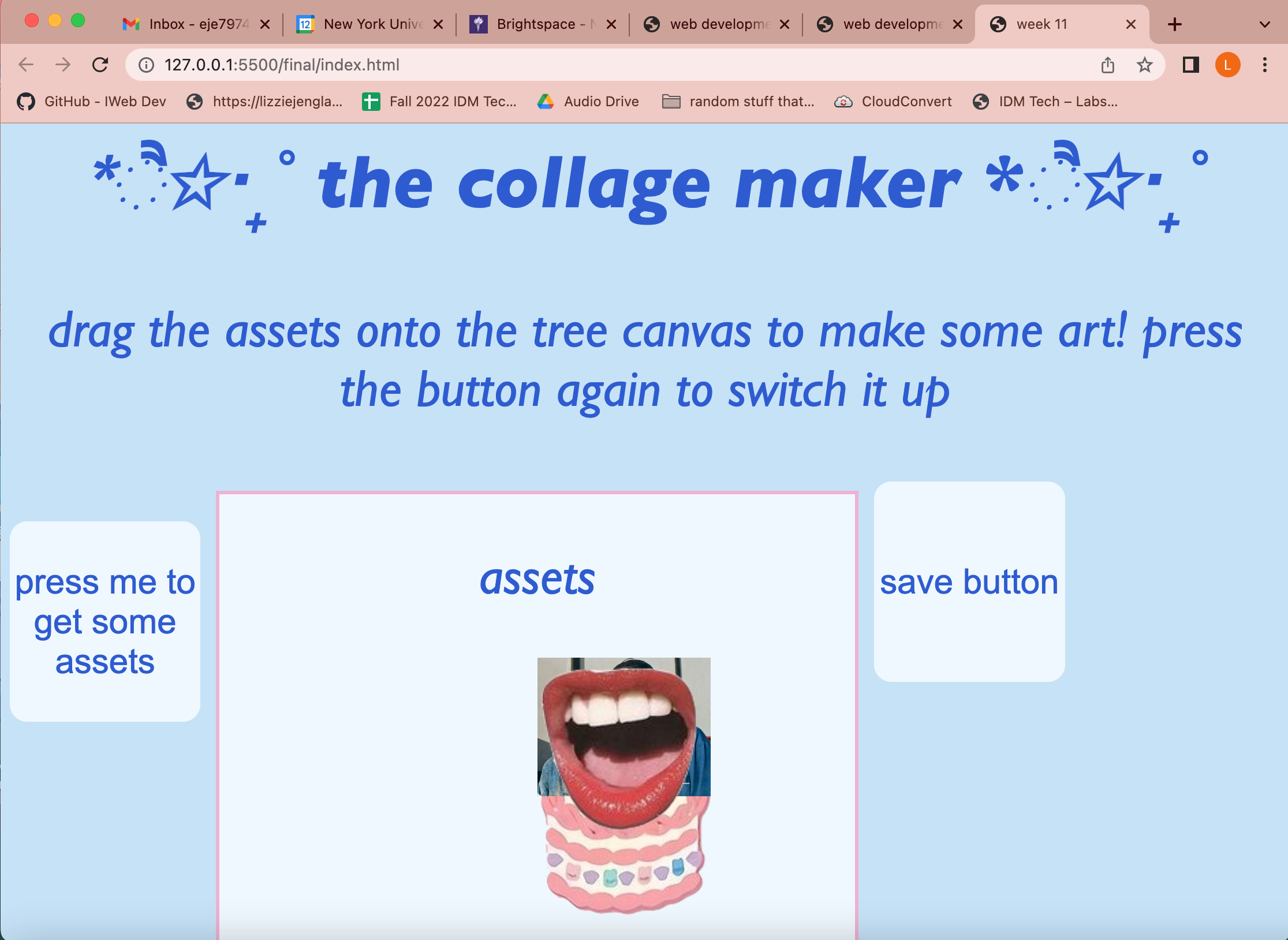
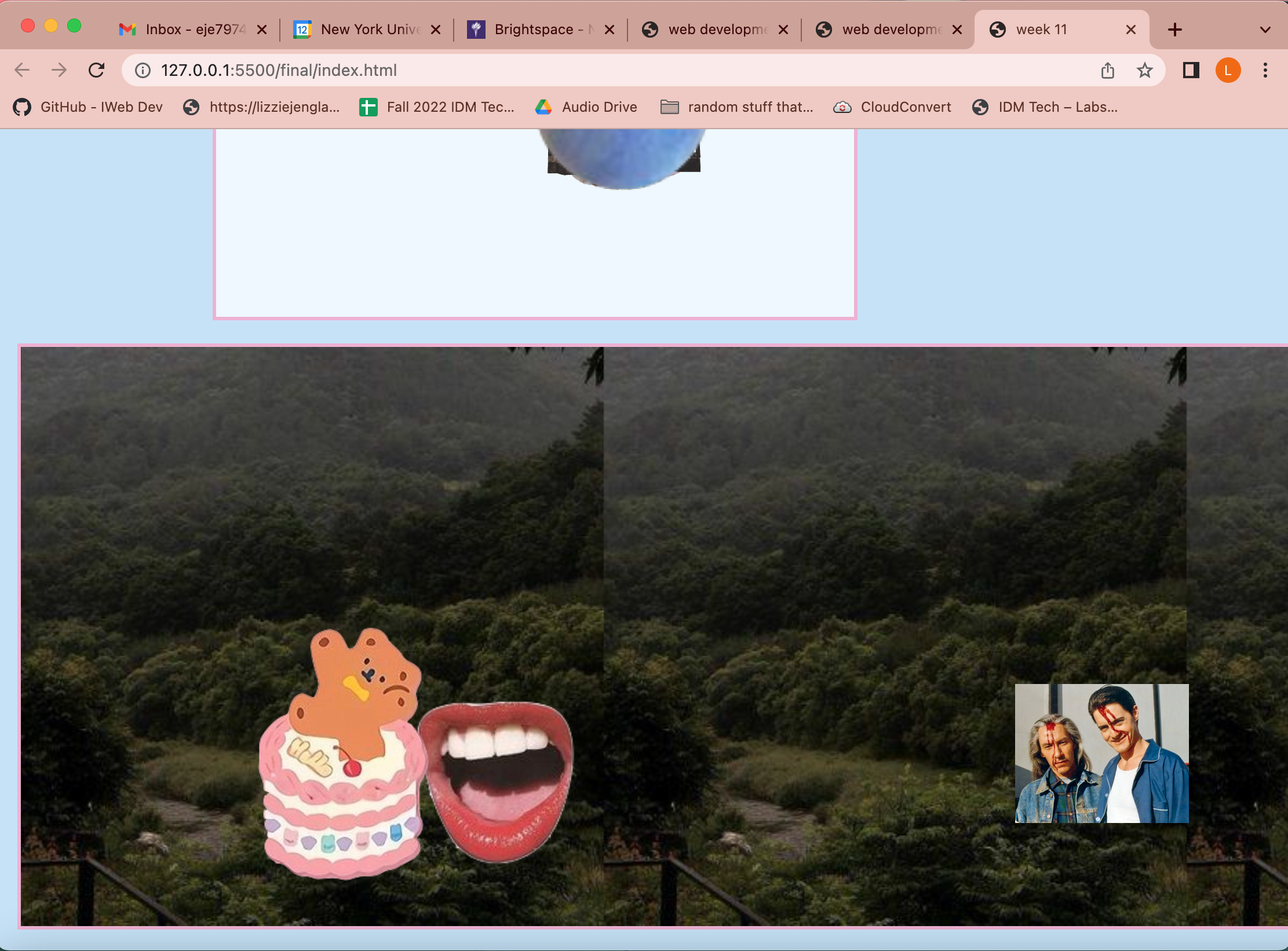
On Monday, I presented my website. I think the website was successful as my classmates were able to make collages. The website was not as functional as I had hoped, but I was happy. Here is the art some of them made in class.
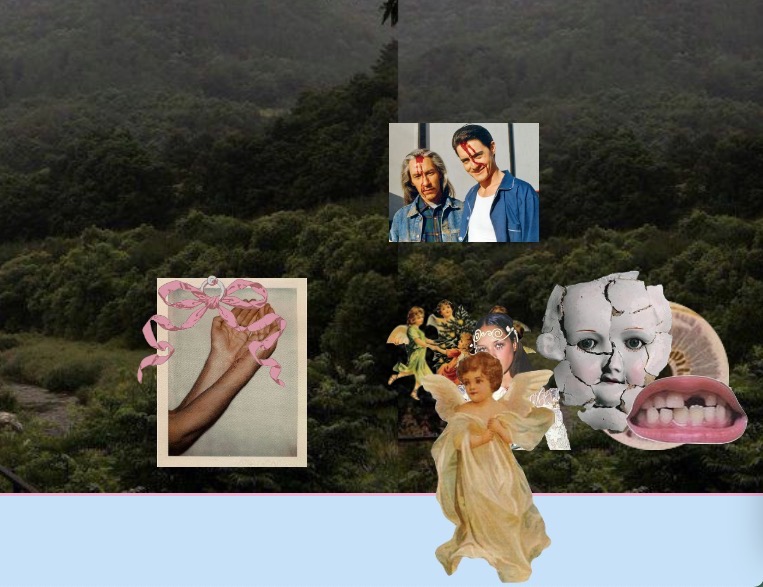
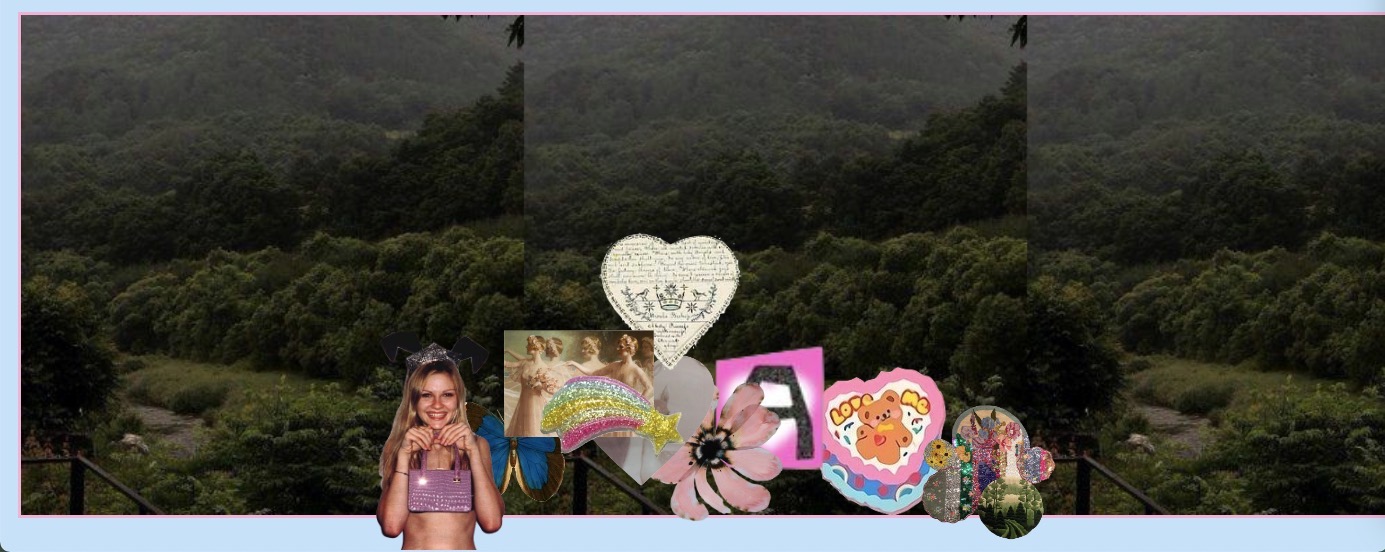
After class, I decided to work on it some more. After careful consideration I decided to get rid of the save button idea as that would require a canvas and I already was using divs and did not want to change it, but I did add a reset button.
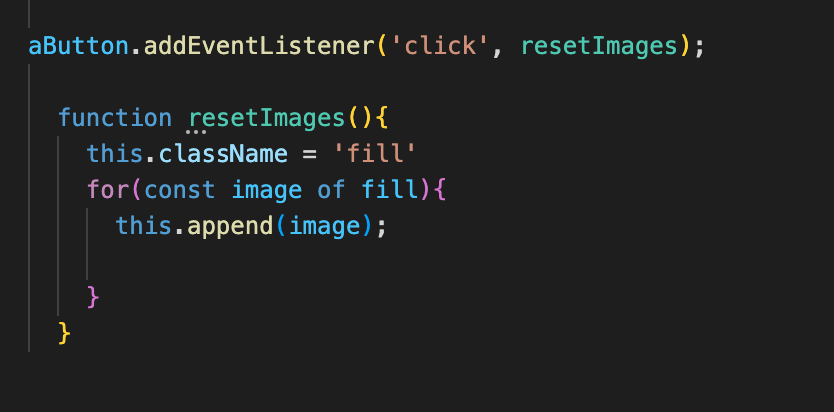
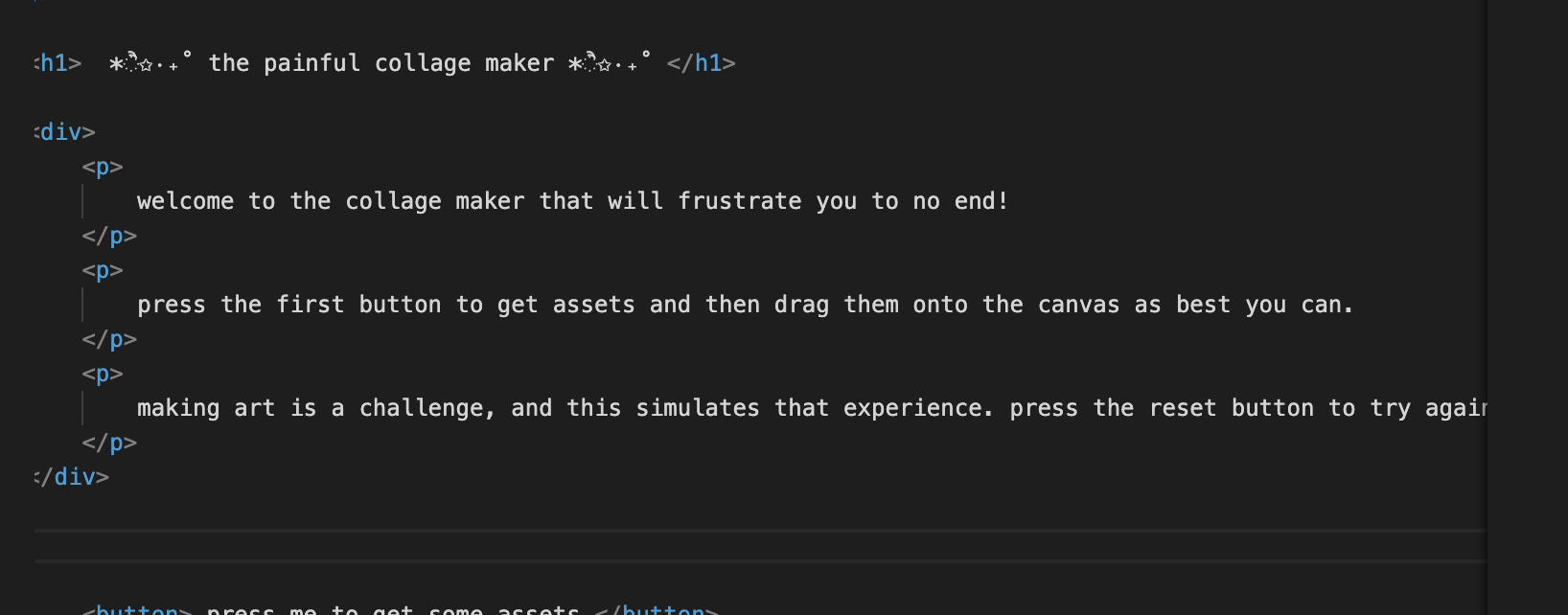
I still was not happy with the functionality of the buttons, but no matter what I tried I could only get the elements to move somewhat near where I wanted them to be, not exactly where I wanted them. So, the website was still functional, but not to where I wanted it to be. To improve the website, I decided to change the concept to match the functionality I acheived and I decided to make my website a difficult and frustrating collage maker in order to simulate how making art is a difficult medium sometimes, especially digital art. So now, the website is more of a lesson for the user than an actual art maker, but if you try hard enough you still can make some art.
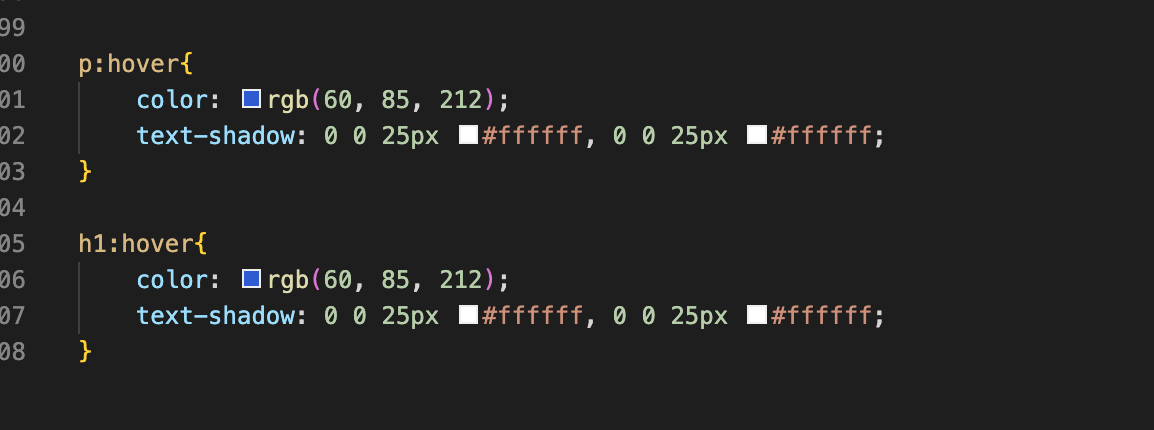
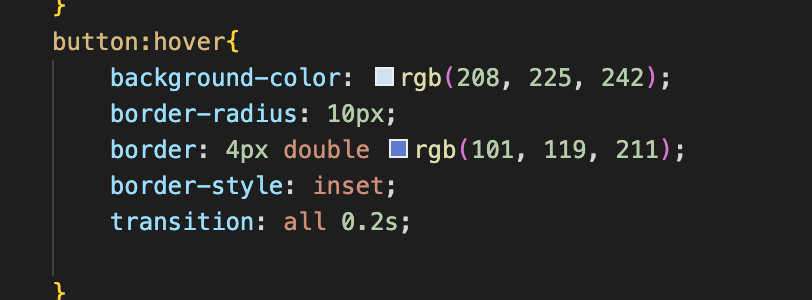
To finish up my website, I just added some more stylistic elements like color changes on hovers and text shadows to make the site more visually appealing and user friendly.
And voila! This is where I am leaving my website for now. Although it is not exactly what I intended to do in the beginning, I acheived most of my goals and created a message for my website that I did not originally plan. I hope you enjoy my website, I may continue to work on it and get full functionality in the future!